Overview
This Quick Reference Guide (QRG) is intended for approvers within the contracts workflow in eMMA with the BPW Approver role.
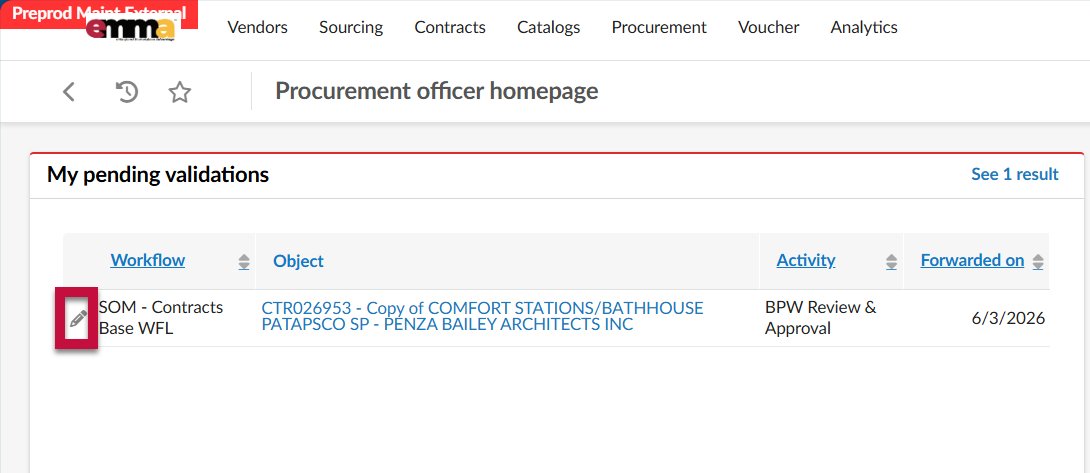
If approval is required within eMMA, an email notification will be sent to all approvers with a link to the contract. The approval task will also be visible within the My Pending Validations section of the homepage.
Step-by-Step Instructions
Reviewing and Approving a Contract in eMMA
- Log into eMMA.
- Click the Pencil icon next to the approval task under My Pending Validations.
- Navigate to the Header tab. Review the contract information. The BPW section contains all BPW-related information.
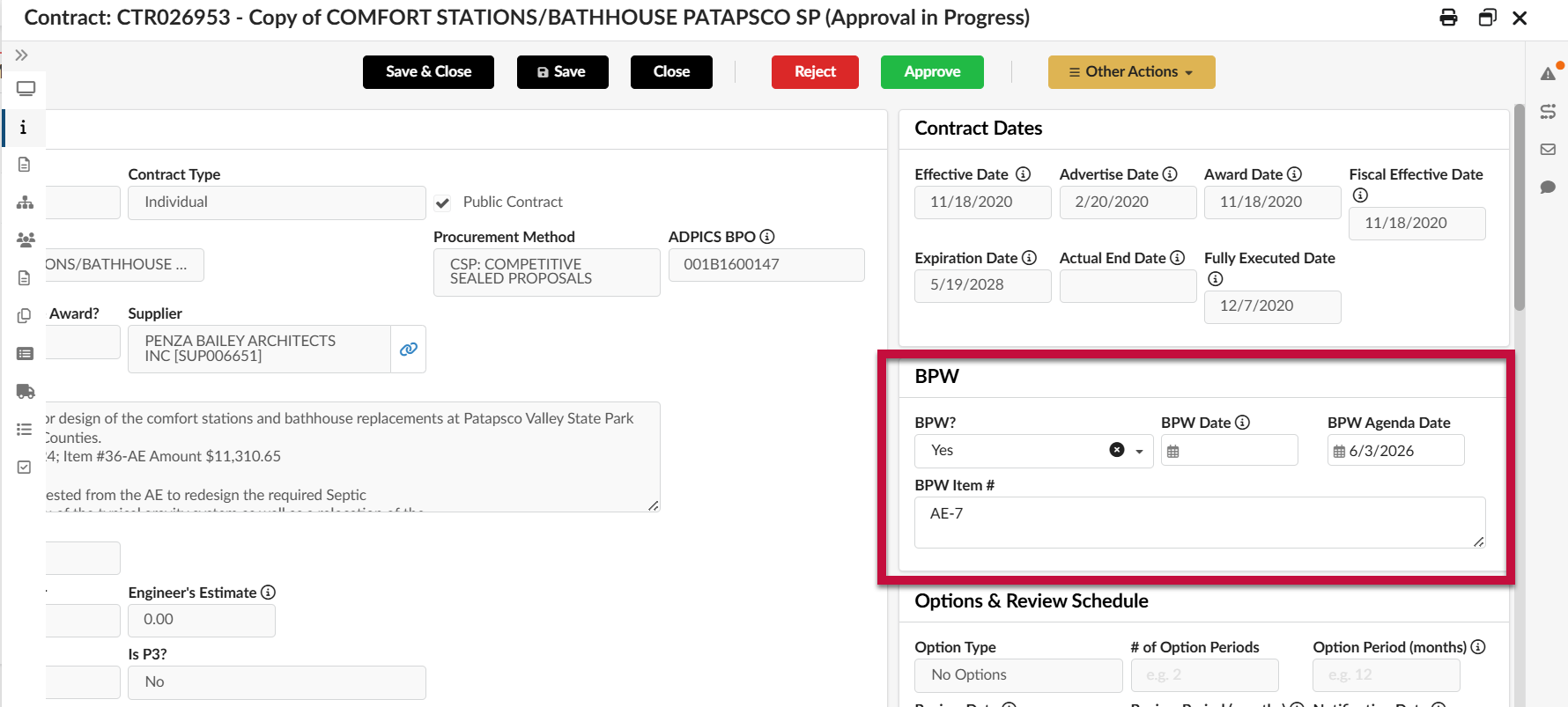
- BPW?: Is BPW approval required for this contract?
- BPW Date: The date of the hearing.
- BPW Agenda Date: The date on the BPW agenda.
- BPW Item #: The item number provided by the Board.
This information will be editable by the BPW approver. Other information on the contract is not editable.
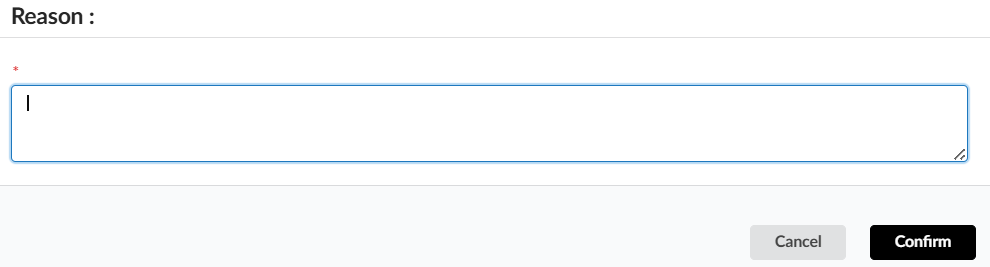
- Click Approve to move the workflow forward. Click Reject to send the contract back to the owner for updates. You will be required to enter a rejection reason.